
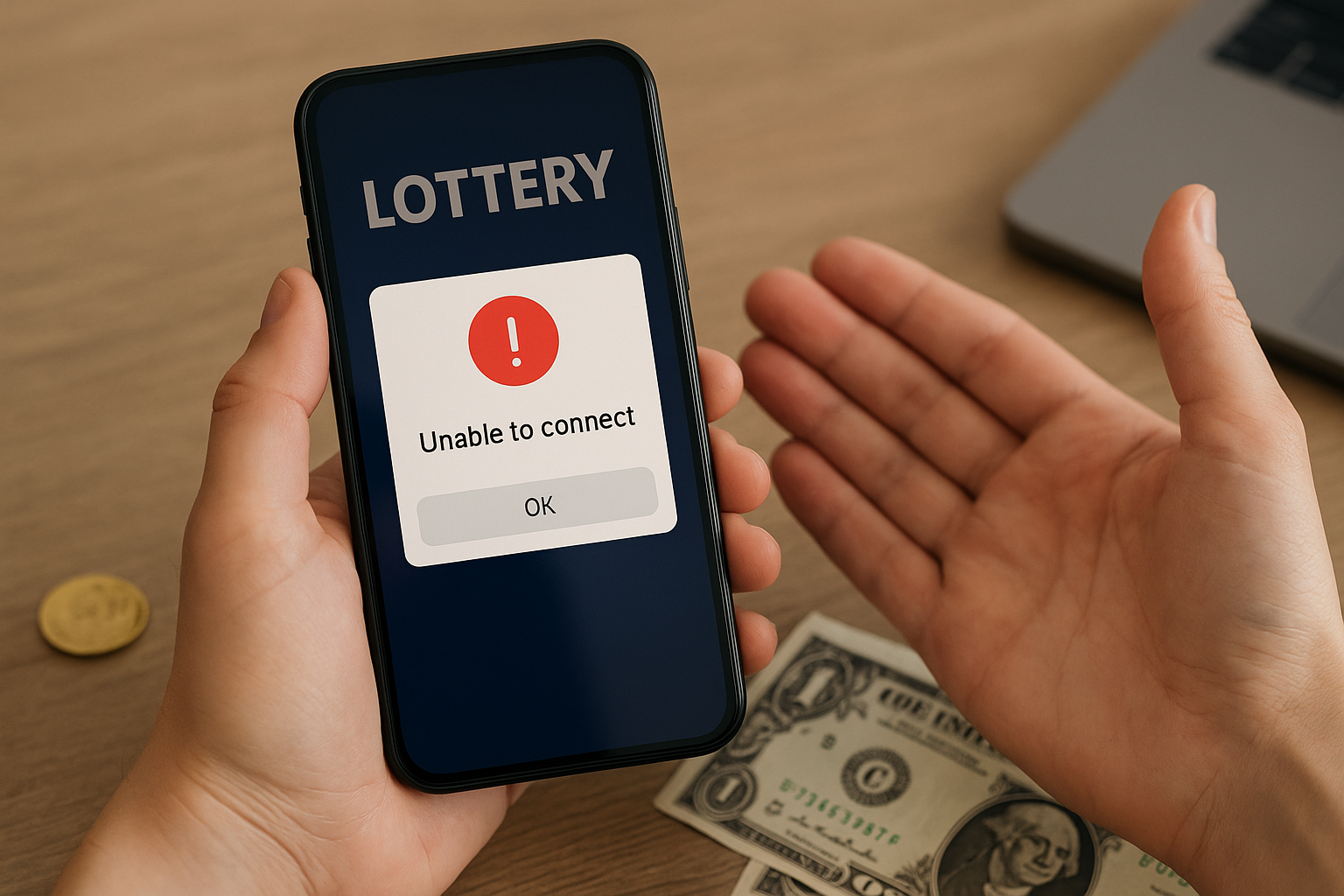
If you’re experiencing issues with the National Lottery app—such as being unable to add funds or seeing a ‘temporarily unavailable’ message—here’s what you can try next.
App issues can occur from time to time and are often quick to resolve. The steps below outline common causes and simple checks to help you get back up and running.
If problems persist, consider contacting the National Lottery’s customer support for further assistance.
Common Reasons Why the Lottery App Is Not Working
There are a few common reasons why the National Lottery app might not be working as expected. Here’s a quick look at the main ones:
1. Internet Connection Issues
If your wi‑fi or mobile data is weak or offline, the app may not load or update properly.
2. App Updates Needed
Using an older version of the app can cause glitches. A new update may be available in your app store.
3. Device Compatibility
Older devices or outdated operating systems can struggle with the latest app features.
4. Routine Maintenance or High Traffic
Essential maintenance or peak‑time traffic can make the app briefly unavailable.
5. Account Verification
If your account details aren’t fully verified, some features like adding funds may be restricted.
6. Safer Gambling Limits
Deposit limits, time‑outs or self‑exclusion will block deposits or play until the set period ends.
7. Incorrect Login or Payment Details
Typing errors or expired payment cards can cause deposits to fail.
8. Regional and Age Restrictions
Access from outside permitted areas, or without meeting age and ID requirements, can result in limited access.
If any of these sound familiar, they’re usually straightforward to fix.
Why Can't I Add Funds to My Lottery App Account?
If you’re unable to add funds to your account, one of the following is often the cause:
Failed Verification Checks
Your identity must be verified before you can deposit. If there’s an issue with your documents or address, deposits may be blocked until everything is confirmed. Check for any messages in the app asking for more information.
Payment Method Declined
Cards can expire, be blocked by your bank, or have insufficient balance. If a deposit fails, try another card or contact your bank to check for security flags.
Deposit and Spend Limits
If you’ve reached your daily, weekly or monthly limit, you won’t be able to add more funds until the limit resets. You can review your limits in the account settings.
Affordability and Safer Gambling Checks
Sometimes extra information is required to help ensure deposits remain affordable. If documents are requested, follow the instructions in‑app so the review can be completed.
Regulatory Restrictions
In certain situations, temporary restrictions may apply in line with regulatory guidance. If this happens, the app will let you know what’s needed to restore full access.
If you’re unsure which reason applies, use the in‑app Help or official support channels for guidance.
Connection Issues: How to Check and Fix Them
If the National Lottery app isn’t loading or seems slow, it’s often down to a connection problem. A few quick checks usually sort it:
Check Your Internet
Make sure you’re on stable wi‑fi or mobile data. Open another app or website to confirm the connection is working.
Toggle Your Connection
Switch wi‑fi off and on, or move to a spot with stronger signal. If you’re on mobile data, try toggling airplane mode for a few seconds.
Restart Your Device
A quick restart can clear minor glitches that affect app performance.
Update Network Settings
Check that VPNs, firewalls or data saver modes aren’t blocking the app. Avoid public networks when accessing your account to help keep your details secure.
If you’ve tried these steps and still have trouble, contact support via the app.
Is the Lottery App Temporarily Unavailable for Maintenance?
There are times when the National Lottery app may be briefly unavailable due to planned or unplanned maintenance. This keeps the app safe, secure and running smoothly. Updates are scheduled for quieter periods where possible, and advance notice may be provided.
You may see a message in the app before planned work. At other times, unexpected fixes may be needed at short notice to protect your account. If a purchase seems to have been interrupted, check your transaction history before trying again. Access is restored as quickly as possible.
We know this can be inconvenient and appreciate your patience. Tickets bought before maintenance remain valid and will show in your account once services resume. If the app remains unavailable for longer than expected, or you are unsure what is happening, support can confirm the current status.
How to Update or Reinstall the Lottery App
Keeping your National Lottery app up to date is key for security and performance. It also ensures you get the latest features and stability improvements. Always use the Apple App Store or Google Play Store for updates or reinstallation.
How to Update the App
Before updating, make sure you’re signed in to your device’s app store account and have a stable internet connection.
1) Open the App Store or Google Play Store.
2) Search for the National Lottery app.
3) If an update is available, tap Update to install the latest version.
How to Reinstall the App
Reinstalling can resolve issues that an update alone doesn’t fix. Have your login details ready, as you’ll need them afterwards.
1) Delete or uninstall the app from your device.
2) Go to the official app store, search for the National Lottery app, and download it again.
3) Open the app and sign in using your registered details.
How to Clear Cache and Data to Resolve Issues
Clearing cached files can remove corrupted data that causes glitches. Only proceed if you’re comfortable with these steps, and note you may need to sign in again after clearing data.
1) Open your device’s Settings.
2) Choose Apps, then select the National Lottery app.
3) Tap Storage, then Clear Cache. If problems persist, choose Clear Data and follow the on‑screen prompts.
When to Contact Customer Support for App Issues
If you’ve tried the basic troubleshooting steps and the app still isn’t working, support is ready to help.
The support team can assist if:
- Problems persist after restarting your device or checking your internet.
- You’ve updated or reinstalled the app using the official store but still face issues.
- You’re not comfortable clearing the app’s cache or data yourself.
- There are ongoing problems with adding funds, account access or verification that you can’t resolve.
If you do wish to clear the app’s cache and data, only proceed if you feel comfortable with these steps:
- Go to your device’s settings.
- Tap Apps or Applications, then select the National Lottery app.
- Choose Storage and then tap Clear Cache. For a bigger reset, you can also tap Clear Data, but this may require signing in again.
Use in‑app Help or the official support channels to get in touch.
Are There Any Myths About Lottery App Glitches?
It’s easy to come across myths and rumours about why app glitches happen. Some claim apps are rigged or that repeated problems mean your account is blocked for good, but that isn’t how it works.
Most technical issues are minor and have nothing to do with your eligibility or any hidden actions on your account. Security checks and short periods of maintenance are routine and designed to protect everyone. Game outcomes are random and regulated, and there are no systems that can influence or guarantee results.
If you’ve tried the recommended steps and things still aren’t right, contact support via the app. They’ll review your account, explain what’s happening and guide you through the next steps.
Not every problem can be solved instantly, but you’ll receive a clear update and next steps.
Preventing Future Problems With Your Lottery App
A few simple habits can help keep your app running smoothly and reduce future hiccups.
Keep the app updated through the official store. Updates improve security, fix bugs and keep everything working as intended.
Use strong, private passwords and never share your login details. Turn on biometric sign‑in if your device supports it for an extra layer of protection.
Ignore myths that glitches are a sign of manipulation or guaranteed outcomes. There are no hidden advantages for any player, and outcomes are random.
If you wish, set deposit limits or reality checks to help you stay in control. You can change these at any time in line with the available settings.
If something doesn’t seem right or you need a hand, contact support through the app or help centre. You must be 18+ to play. Please play responsibly.
**The information provided in this blog is intended for educational purposes and should not be construed as betting advice or a guarantee of success. Always gamble responsibly.